When 'It Does It Automatically' Becomes the Most Exhausting
The moment when the phrase "it does it automatically" becomes most exhausting.

An AI that organizes meeting minutes is welcome. However, the story changes when that AI starts assigning tasks to specific people, setting deadlines, registering them in work tools, sending emails to customers, and scheduling appointments. A single mistake can turn into something that requires cancellation, apologies, and relationship repair, rather than just correcting a draft.
Therefore, with AI automation, it's better to define "where to stop" from the outset, rather than "what it can do." This is why we start with simple drafts and human approval, rather than sophisticated agents (AI that chooses and executes the next action on its own when given only a goal).

This doesn't mean we shouldn't use agents.
It means we shouldn't build a system that unnecessarily chooses its own next actions for tasks that can be sufficiently handled by a single call or a predefined procedure.
What's the difference between a workflow and an agent?
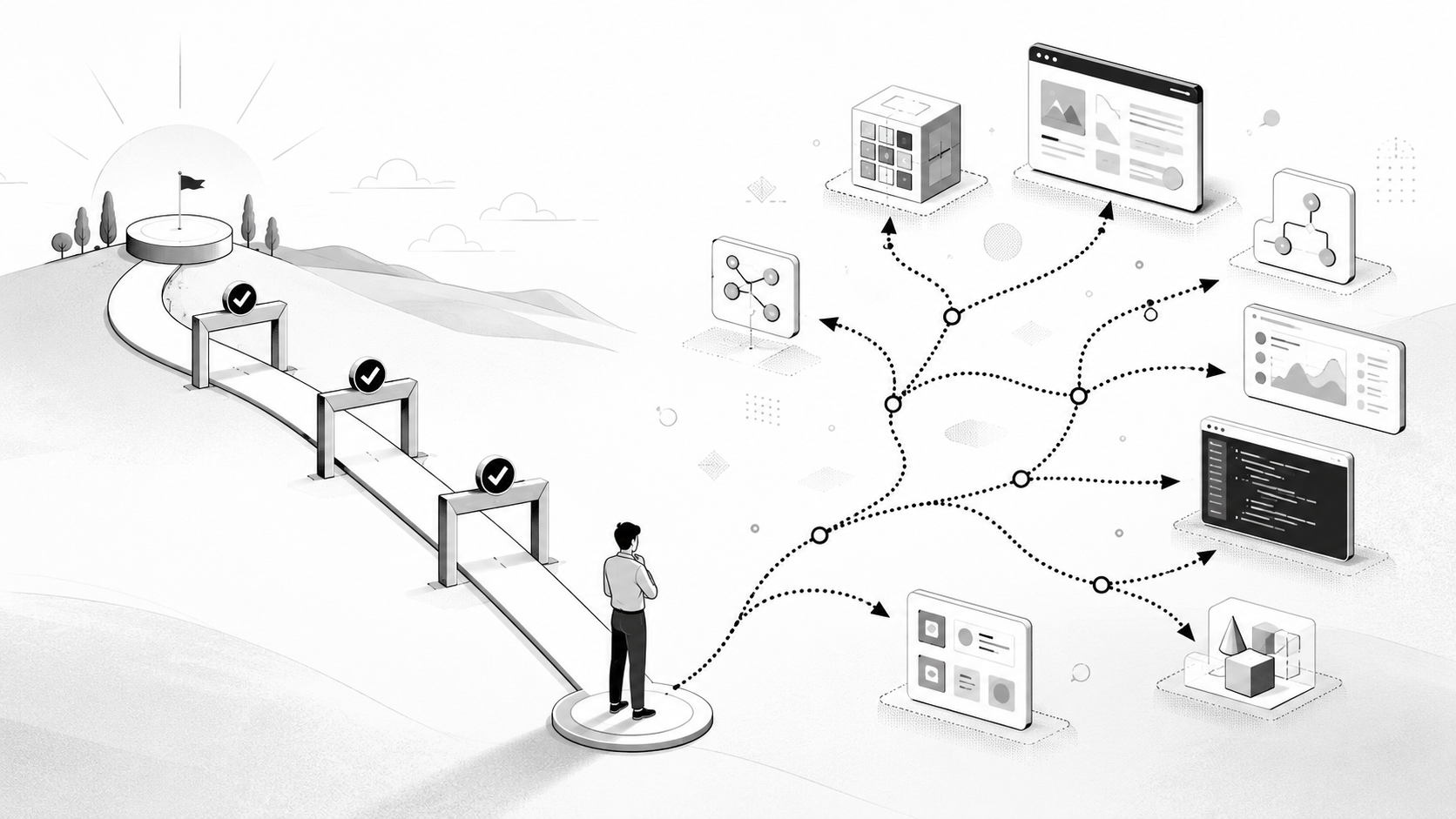
In a workflow, a person determines the next sequence. For example, the path is predefined, such as 'meeting recording summary draft person in charge review task tool registration'. An agent, after receiving a goal, independently chooses the next steps and tool usage based on the situation. While this can be useful for tasks with incomplete information and many exceptions, it also increases costs and the potential for errors.
Anthropic's agent design guide (an English document written for developers) also explains that as autonomy increases, the potential for accumulated costs and errors must be considered, and guardrails (safety mechanisms to prevent going beyond defined boundaries) and sandbox testing (running in an isolated environment without affecting actual operations) are necessary. Therefore, for most office automation, it's not too late to start by validating simple steps.
References Anthropic Building Effective AI Agents(December 2024, English for developers)
These three steps are sufficient to start
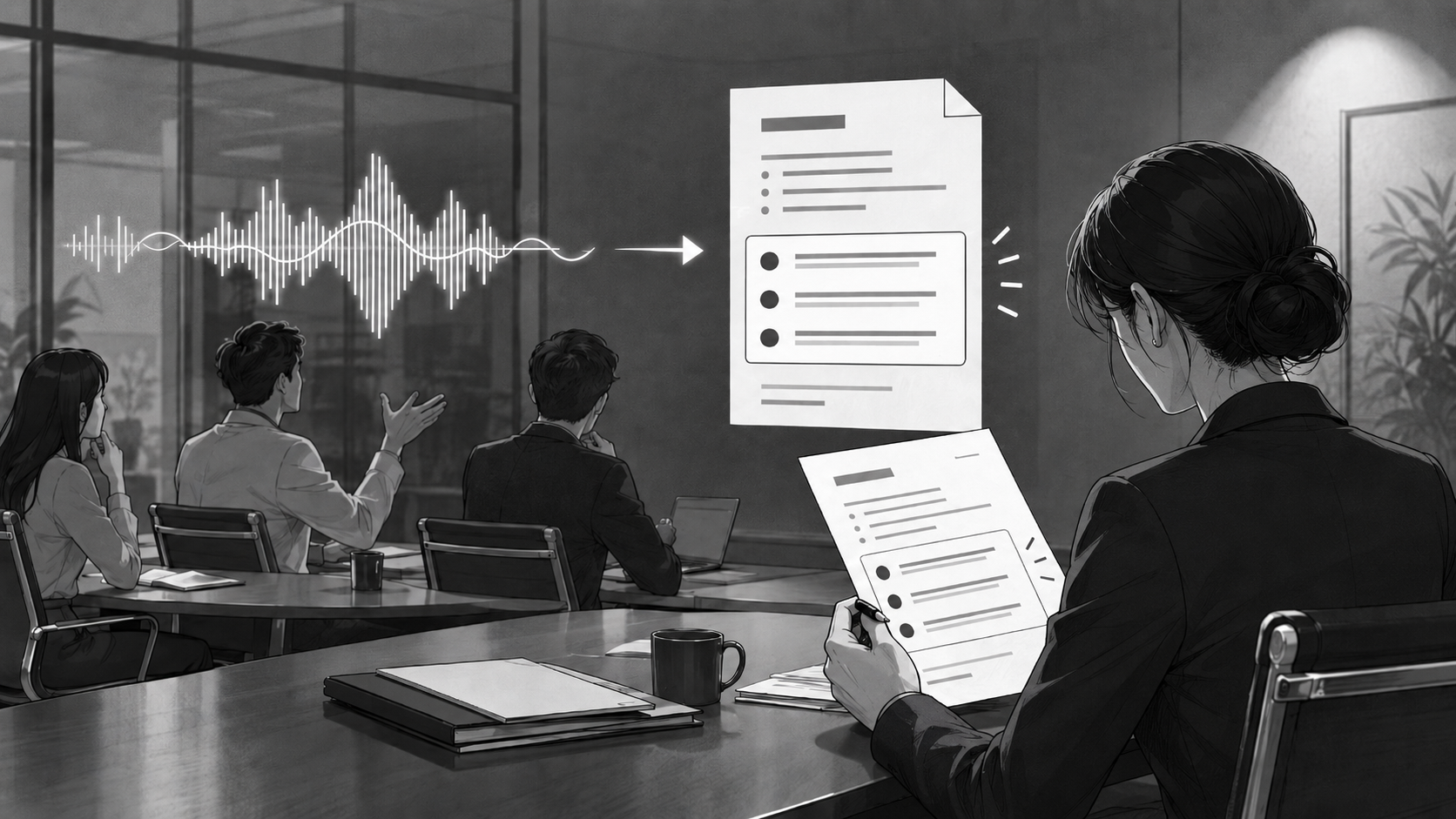
STEP 1. AI creates drafts/recommendationsIt shows results like email drafts, meeting summaries, and schedule candidates.
STEP 2. A person verifies the basis and impactThey review dates, amounts, recipients, and external appointments, then approve or modify them.
STEP 3. Only reversible actions are automatedStart slowly by entrusting actions that are narrow in scope and reversible.
For example, after a meeting, AI creating a summary and task candidates is Step 1. The team lead verifying decisions, assignees, and deadlines is Step 2. Registering only the confirmed items into the 'Pending Review' section of a task management tool (like Jira, Asana, or Notion) can be Step 3. Sending to customers or canceling payments cannot be directly handed over in the same way.
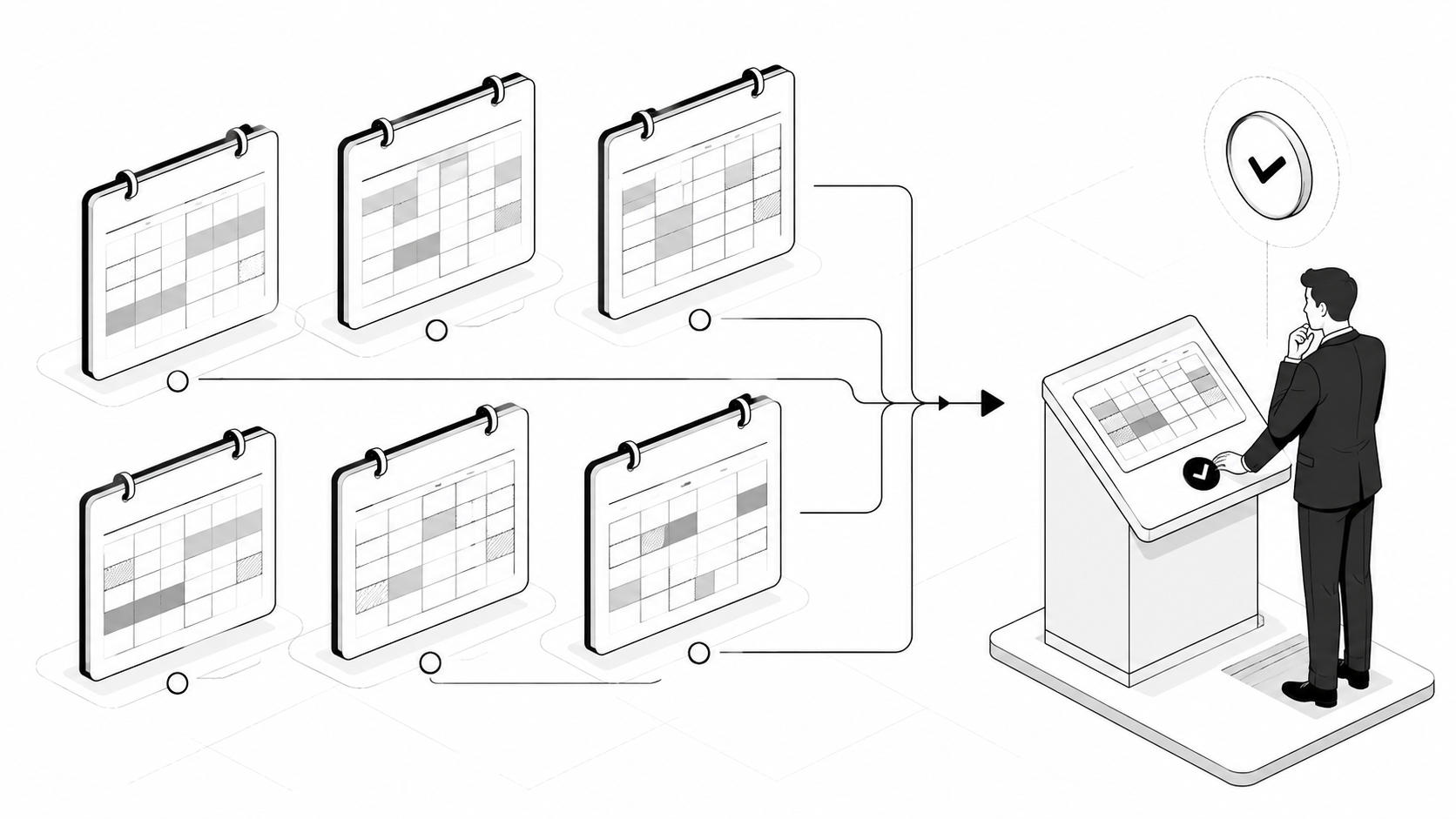
Approval should be a 'reviewable screen,' not just a single button

Simply inserting a person in the middle doesn't make it safe. The reviewer must be able to see what has changed, what the recommendation is based on, and what the impact would be if it fails. Otherwise, approval ultimately becomes a mere formality of pressing a 'yes' button.
What is being executed: Shows who receives the information, through which channel, and what information is being sent.
What is the basis: Allows immediate verification of the original text of the summary, and extracted numbers and dates.
Is it reversible: Defines methods for cancellation, modification, re-execution, and a time limit for reversal in advance.
When to hand over to a person: Amounts, personal information, external dispatches, and exceptional situations require approval instead of automatic processing.

Automation is faster when built by accumulating small successes

If you try to connect all tasks from the start, there will be many places to find errors. First, try running a flow where AI creates a draft and a person approves it for one repetitive task. Record what errors occur frequently, how long reviews take, and what actions are difficult to reverse. Only then should you expand the types of tasks entrusted and the scope that AI can directly handle.
OpenAI's agent guide also suggests designing systems to stop actions that are difficult to reverse, such as cancellations or sensitive changes, just before execution and require human approval. The purpose of automation is not to remove people from the screen, but to provide better information at moments when human judgment is needed.
References OpenAI Guardrails and human review(English for developers)
Good automation doesn't erase people

Automation isn't a failure just because a human intervenes once. On the contrary, that single verification can prevent having to resend customer messages, reverse incorrect schedules, or explain things to team members.
Initially, let AI propose and humans decide. In that process, only repetitive, safe tasks should be automated. Automation built this way will ultimately be used longer, and people will be less fatigued.
Sources and References
Anthropic,Building Effective AI Agents(December 2024, English
for developers)
A guide to starting with simple systems and considering the costs, cumulative errors, and guardrails of agent autonomy.
OpenAI,Guardrails and human review(English
for developers)
An official guide to implementing human approval and verification mechanisms before sensitive or irreversible actions.